Turn PDFs into study guides, quizzes, and flashcards
EducatioAI helps students turn PDFs, readings, and lecture documents into a practical study workflow with AI tutoring, quizzes, flashcards, and guided review.
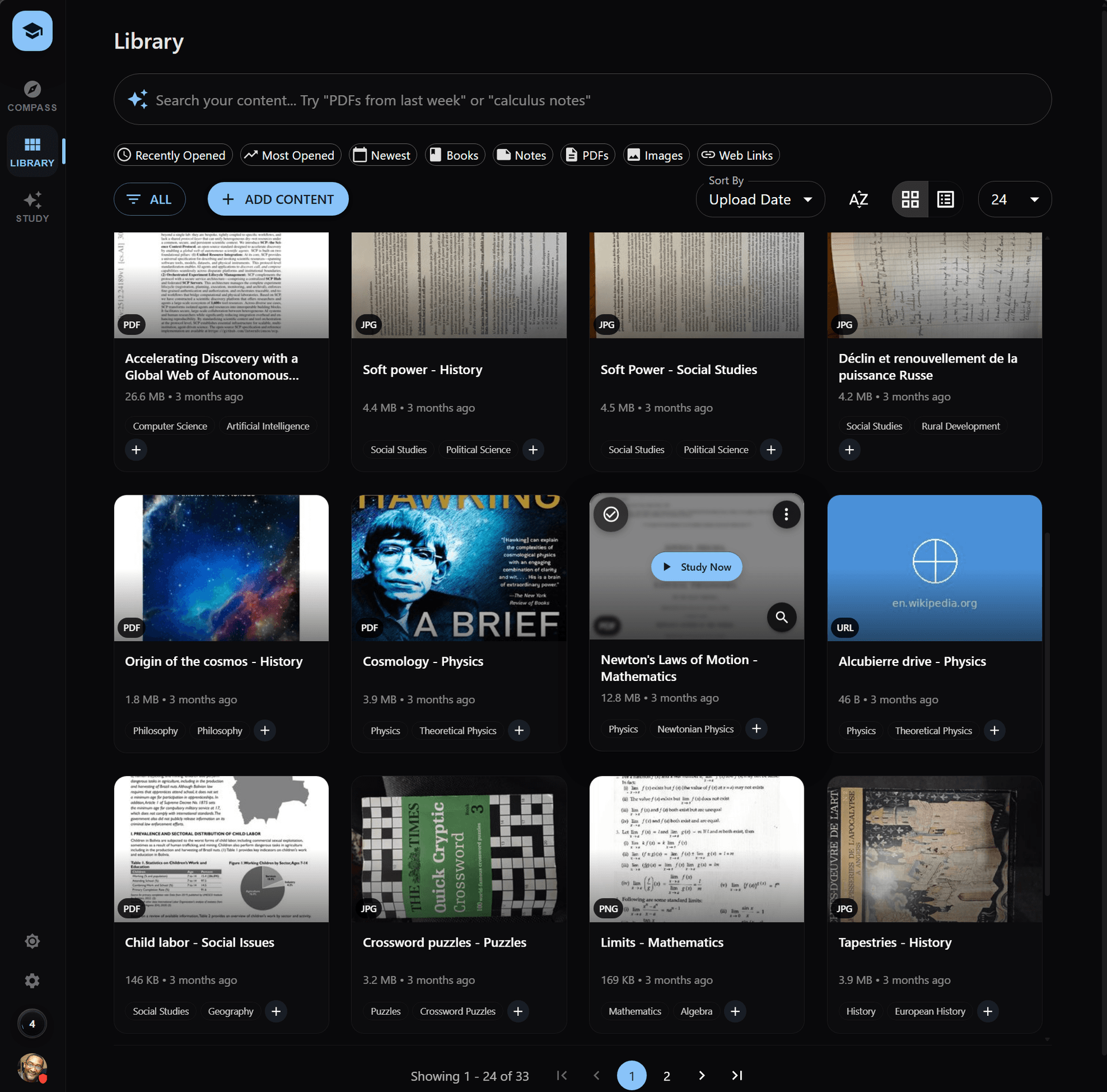
Turn long documents into a study plan
A study guide is most useful when it leads to practice. EducatioAI helps students move from a static PDF to questions, explanations, recall cards, and review priorities.
Upload the PDF
Bring readings, handouts, slides, and class documents into the same study workspace.
Ask better questions
Use AI tutoring to clarify concepts, summarize sections, and connect ideas across the document.
Generate practice
Create quizzes and flashcards from the same document so review becomes active.
Review with context
Keep practice tied to the source material instead of separating notes, cards, and questions.
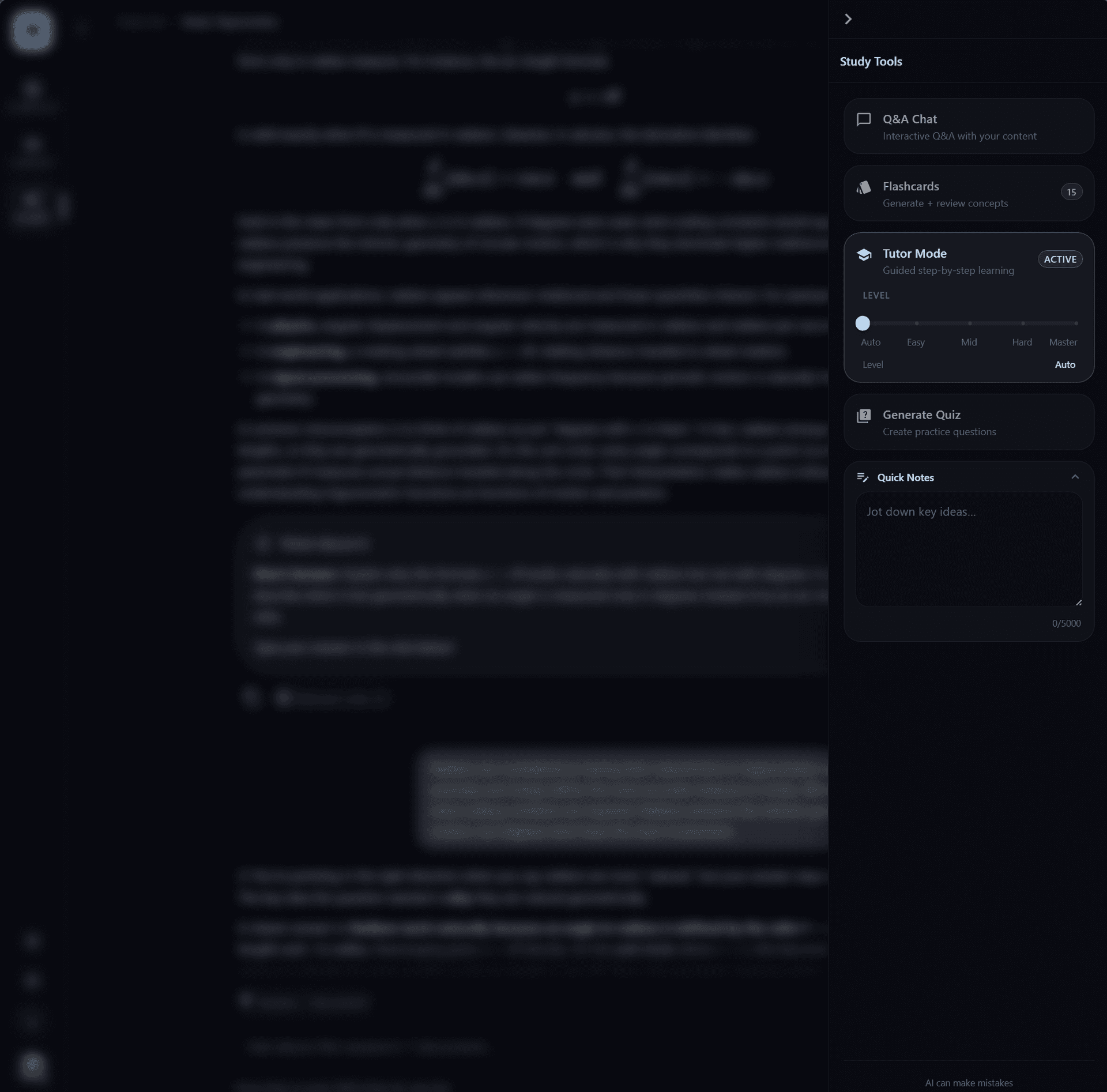
Use PDFs as the starting point for active study
- Review textbook chapters, papers, and course readings
- Convert lecture handouts into question-based practice
- Prepare for exams from uploaded class documents
- Create flashcards from definitions and key concepts
- Ask tutor questions without losing document context
Related study workflows
Explore the connected parts of the EducatioAI study system.
Move from reading to retrieval
EducatioAI turns uploaded documents into a study loop where summaries, tutoring, quizzes, and flashcards reinforce each other.